QOL.one
Business · Builder

Describe it once. Watch it exist.

Say what you want in one sentence. GridFlow plans it, builds it in your own live workspace and publishes it to its own address.

GridFlow · preview
5Free sessions, no card
36Templates to start from
8One-tap presets
The prompt

One sentence in.

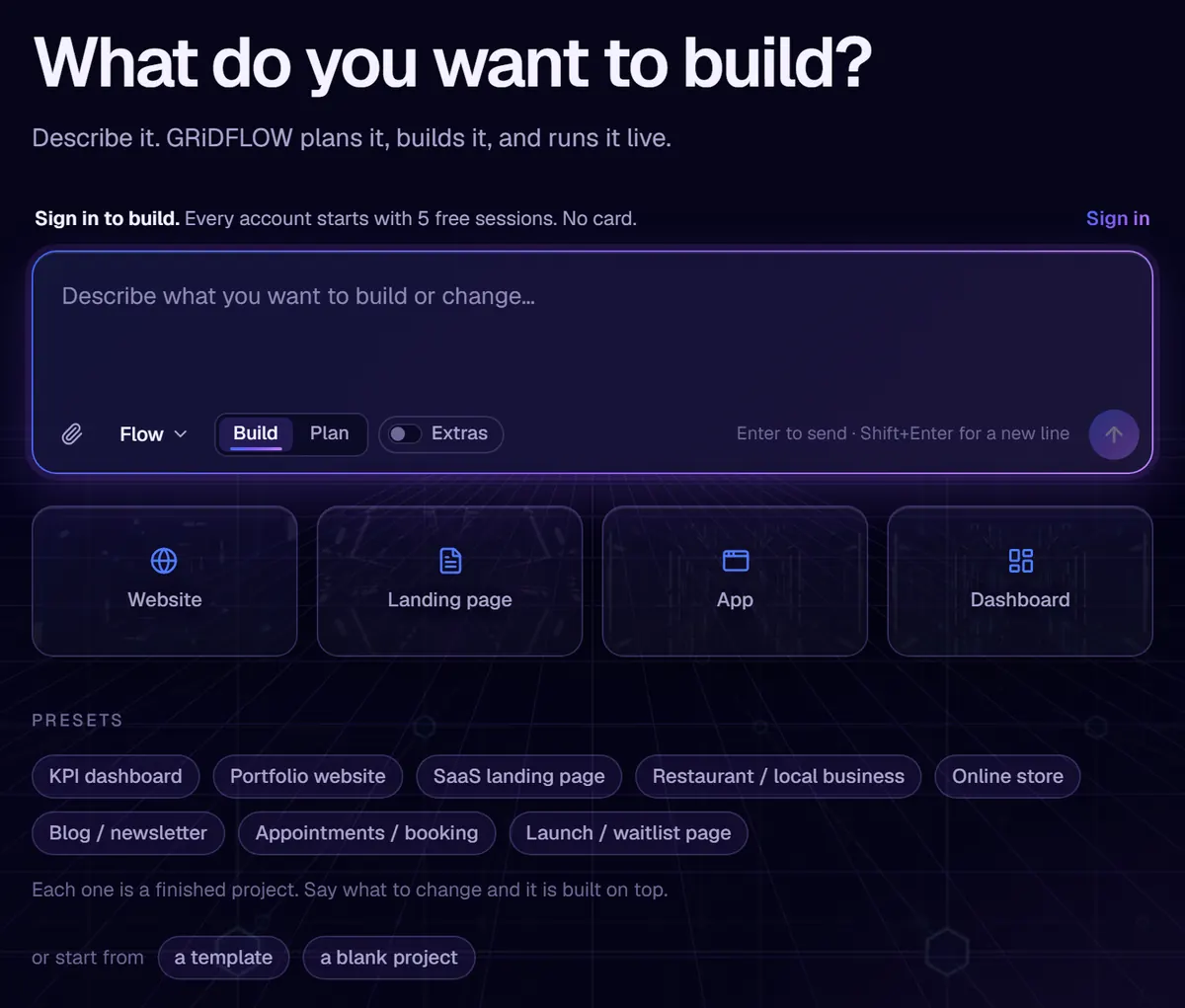
Start from a blank line, a preset or a template. Each preset is a finished project, so you only say what to change.

The GridFlow home: What do you want to build? A prompt box with Build and Plan modes, website, landing page, app and dashboard starters, and eight presets from KPI dashboard to launch page
How it works

Describe. Plan. Build. Publish.

You approve the plan before a session is spent. Each step goes to the model best suited to it, and the code is yours to download any time.
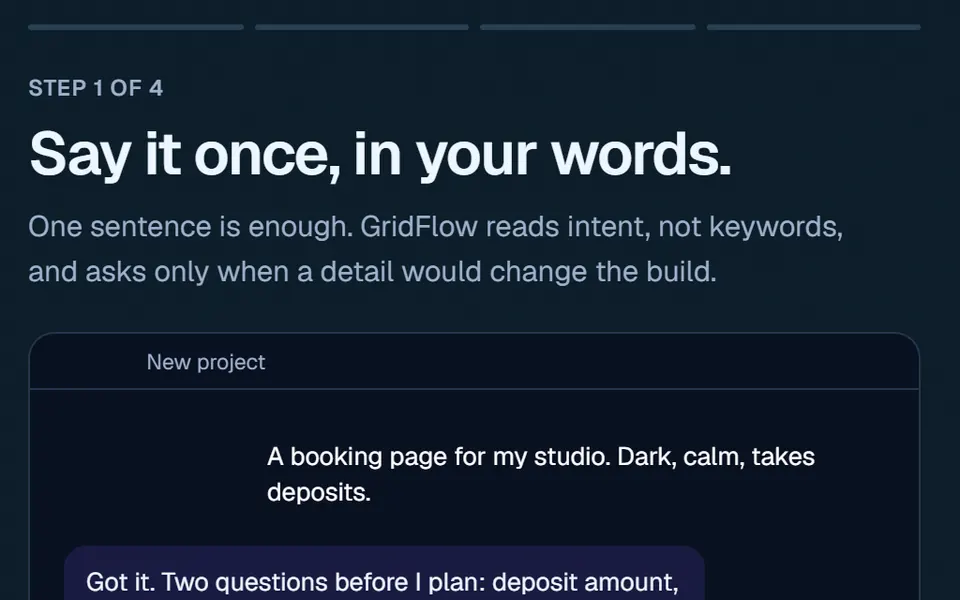
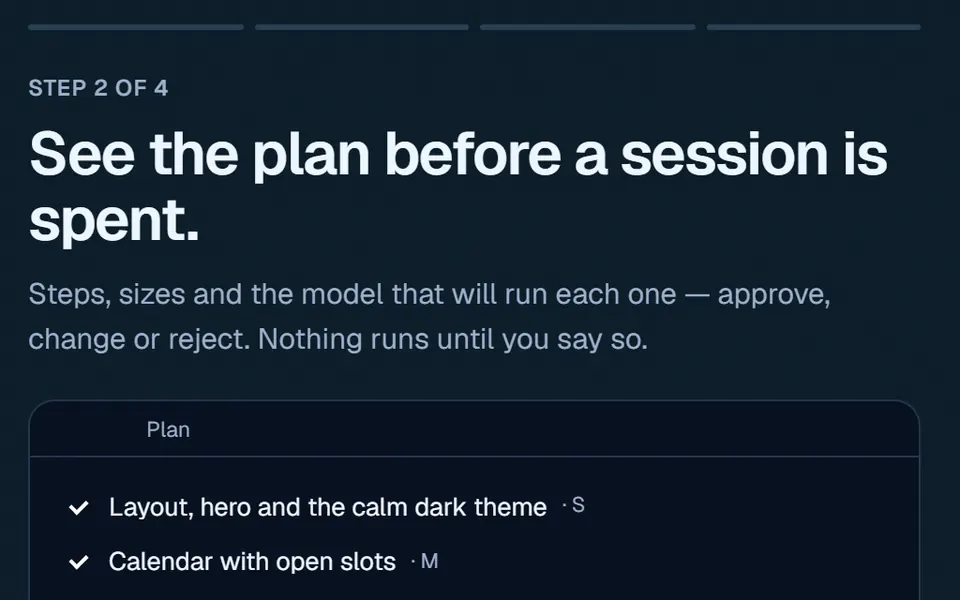
Step 1 of 4, Say it once, in your words: a request for a dark, calm booking page and GridFlow asking two clarifying questions
DescribeIt asks only when a detail would change the build.
Step 2 of 4, See the plan before a session is spent: a checklist of layout, calendar and checkout steps, each with a size
PlanApprove, change or reject. Nothing runs until you say so.
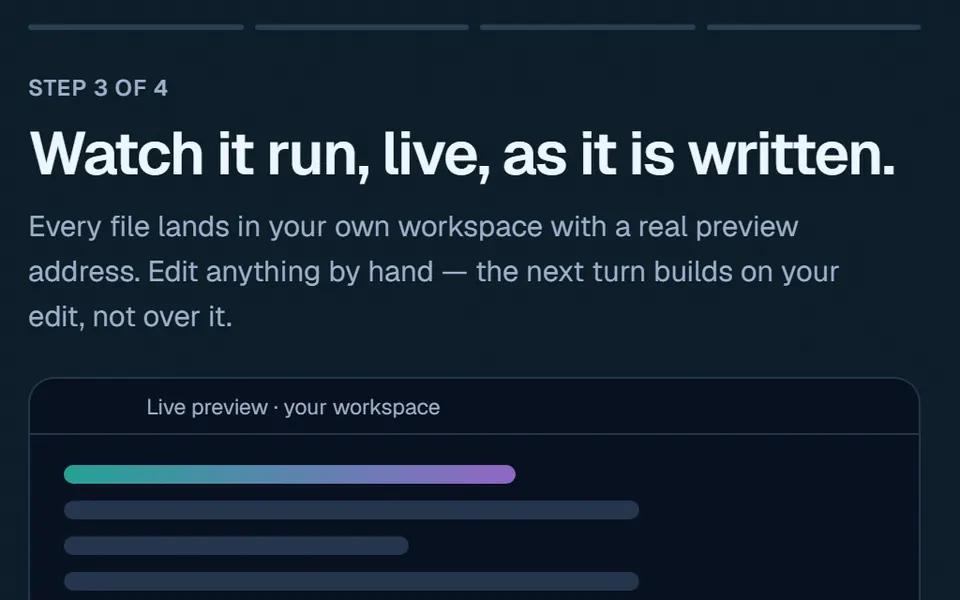
Step 3 of 4, Watch it run, live, as it is written: a live preview panel in your own workspace
BuildLive, in your own workspace, with a real preview.
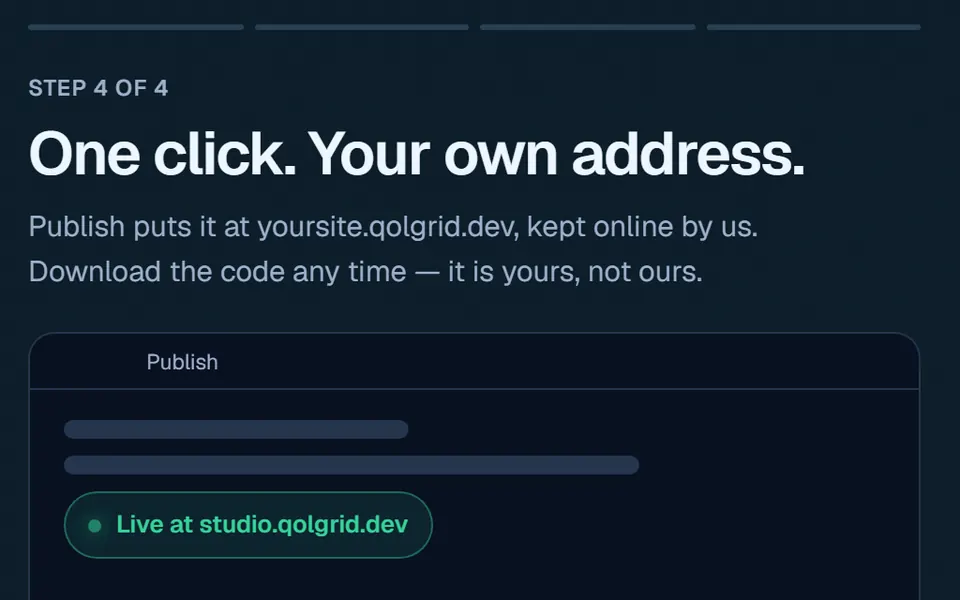
Step 4 of 4, One click. Your own address: a publish panel showing the site live at its own qolgrid.dev address
PublishOne click to its own address.